 Lua
Lua Neovim 0.8+
 Lua
Lua
01The Problem: Leaving the Editor for a Terminal
Every Neovim user has a workflow that involves a terminal. Running tests, checking git logs, starting dev servers - these things happen constantly. The question is how you get to a terminal without breaking your concentration.
The common approaches all have trade-offs. A separate terminal window means alt-tabbing - a context switch that adds up. A built-in :terminal split takes up permanent screen real estate. Tmux panes help, but require a context switch of a different kind.
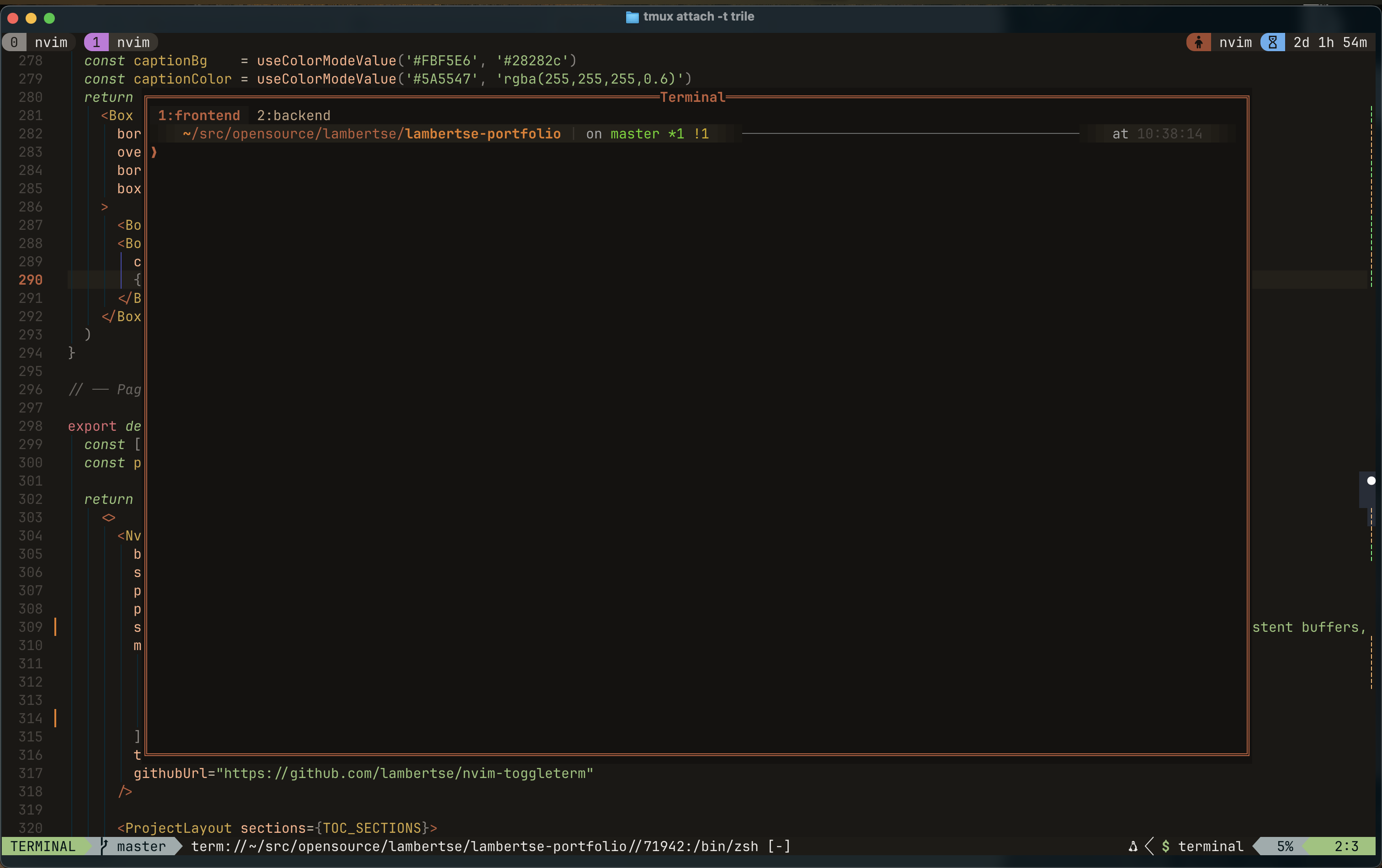
What I wanted was simpler: press a key, a floating terminal appears centered on my screen. Press it again, it disappears. My code is still exactly where I left it. The terminal session persists - same shell, same directory, same history - I just can't see it until I need it. And when I need a second session (say, one for tests and one for a dev server), I want to spin it up with a single keymap and switch between them without leaving the editor.
02Why Write My Own Plugin?
There are toggle-terminal plugins out there - toggleterm.nvim being the most popular. But popular plugins come with surface area: multiple terminal types, split modes, shade options, send-to-terminal integrations. All useful features, but not the ones I needed.
After building nvim-pomodoro (which also uses a floating popup), I had a solid foundation in Neovim's floating window API. This plugin pushed that knowledge further: handling terminal buffers specifically, managing insert mode transitions, dealing with the edge cases that come with jobstart and job exit callbacks, and now maintaining a session list with a winbar tab bar for navigation.
The result is a plugin small enough to read in one sitting - one file, ~300 lines - and exactly as capable as I need it to be.
03Design Principles
04Features
- Floating & centeredOpens over your code - no split, no tab, no layout shift.
- Proportional sizingWidth and height set as fractions of the editor dimensions.
- Six border stylessingle, double, rounded, solid, shadow, or a custom set.
- Auto-resizeRe-centers and rescales on VimResized, always proportional.
- Multiple named terminalsEach session keeps its own buffer, shell, history, and cwd.
- Winbar tab barAll active sessions listed; the current one is highlighted.
- Full session controlCreate, rename, close, and switch via commands or buffer-local keymaps.
- Auto-close on exitWhen the shell job ends the window closes - configurable.
- Optional user commandsThe :FloatingTerminal* family, off if you prefer pure keymaps.
- Generated keymapsOne config line binds the toggle key - or bind it yourself.
- Starts in insert modestart_in_insert drops you straight at the prompt.
- Zero dependenciesPure Lua, ships against Neovim 0.8+. Titles need 0.9+.
05Commands & Config
5.1User Commands
| Command | Description |
|---|---|
| :FloatingTerminalOpen | Open (or focus) the floating terminal window |
| :FloatingTerminalClose | Hide the window (buffer and shell sessions persist) |
| :FloatingTerminalToggle | Toggle open / close - bind this to your keymap |
| :FloatingTerminalResize | Recompute geometry and reposition the window |
| :FloatingTerminalNew [name] | Create a new named session (auto-named if no argument) |
| :FloatingTerminalCloseSession | Terminate the active session and remove its buffer |
| :FloatingTerminalNext | Switch to the next session in the tab bar |
| :FloatingTerminalPrev | Switch to the previous session in the tab bar |
| :FloatingTerminalSwitch {n} | Jump directly to session by index |
| :FloatingTerminalRename [name] | Rename the current session (prompts if no argument) |
5.2Configuration Options
| Option | Type | Default | Description |
|---|---|---|---|
| width | number | 0.8 | Fraction of editor width |
| height | number | 0.8 | Fraction of editor height |
| border | string | "rounded" | Border style: single, double, rounded, solid, shadow |
| start_in_insert | bool | true | Enter insert mode when opening |
| create_user_command | bool | true | Register :FloatingTerminal* commands |
| create_keymap | bool | true | Register the toggle keymap |
| keymap | string | "<leader>tt" | Key to toggle the terminal |
| close_on_job_exit | bool | true | Auto-close window when shell exits |
| title | string | "Terminal" | Window title (Neovim 0.9+) |
| session_name_prefix | string | "Terminal" | Prefix for auto-generated session names |
| keymap_new | string | "<A-n>" | Create a new terminal session |
| keymap_close_session | string | "<A-x>" | Close the active session; "" or nil to disable |
| keymap_next | string | "<A-l>" | Switch to the next session |
| keymap_prev | string | "<A-h>" | Switch to the previous session |
| keymap_rename | string | "<A-r>" | Rename the current session interactively |
06Screenshot
07Installation & Usage
Lua
{
  "lambertse/nvim-toggleterm",
  config = function()
    require("nvim-toggleterm").setup({
      width                = 0.8,
      height               = 0.8,
      border               = "rounded",
      start_in_insert      = true,
      create_user_command  = true,
      create_keymap        = true,
      keymap               = "<leader>tt",
      close_on_job_exit    = true,
      title                = "Terminal",
      -- multi-session
      session_name_prefix  = "Terminal",
      keymap_new           = "<A-n>",
      keymap_close_session = "<A-x>",
      keymap_next          = "<A-l>",
      keymap_prev          = "<A-h>",
      keymap_rename        = "<A-r>",
    })
  end,
}
With the default config, toggle the terminal with <leader>tt or via :FloatingTerminalToggle. The shell opens in insert mode. Exit to normal mode with Ctrl-\ Ctrl-n, then close or toggle the window. Press Alt-n to open a second session, Alt-l / Alt-h to navigate between them, and Alt-r to rename the active one. macOS users may need to configure Alt key forwarding in iTerm2 or Kitty.
08Future Work

Pomodoro Timer
A Pomodoro timer living inside Neovim - written in pure Lua, zero dependencies, synced across sessions via IPC.
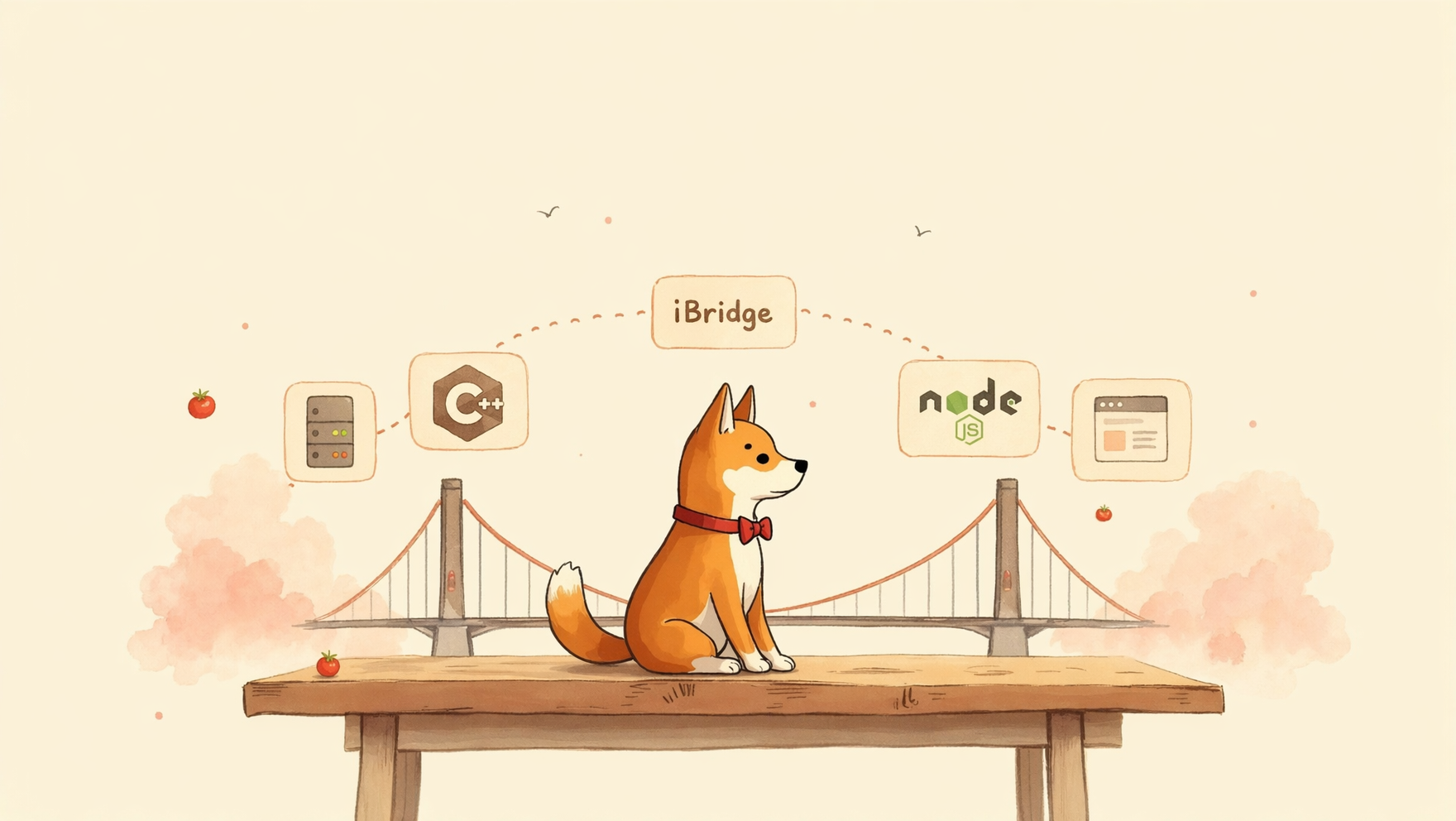
iBridge - IPC messaging & RPC framework
An IPC/RPC framework that bridges processes across language boundaries - a C++ server and a JavaScript client talking to each other over Unix domain sockets and Protocol Buffers, with no shared memory and no native bindings.
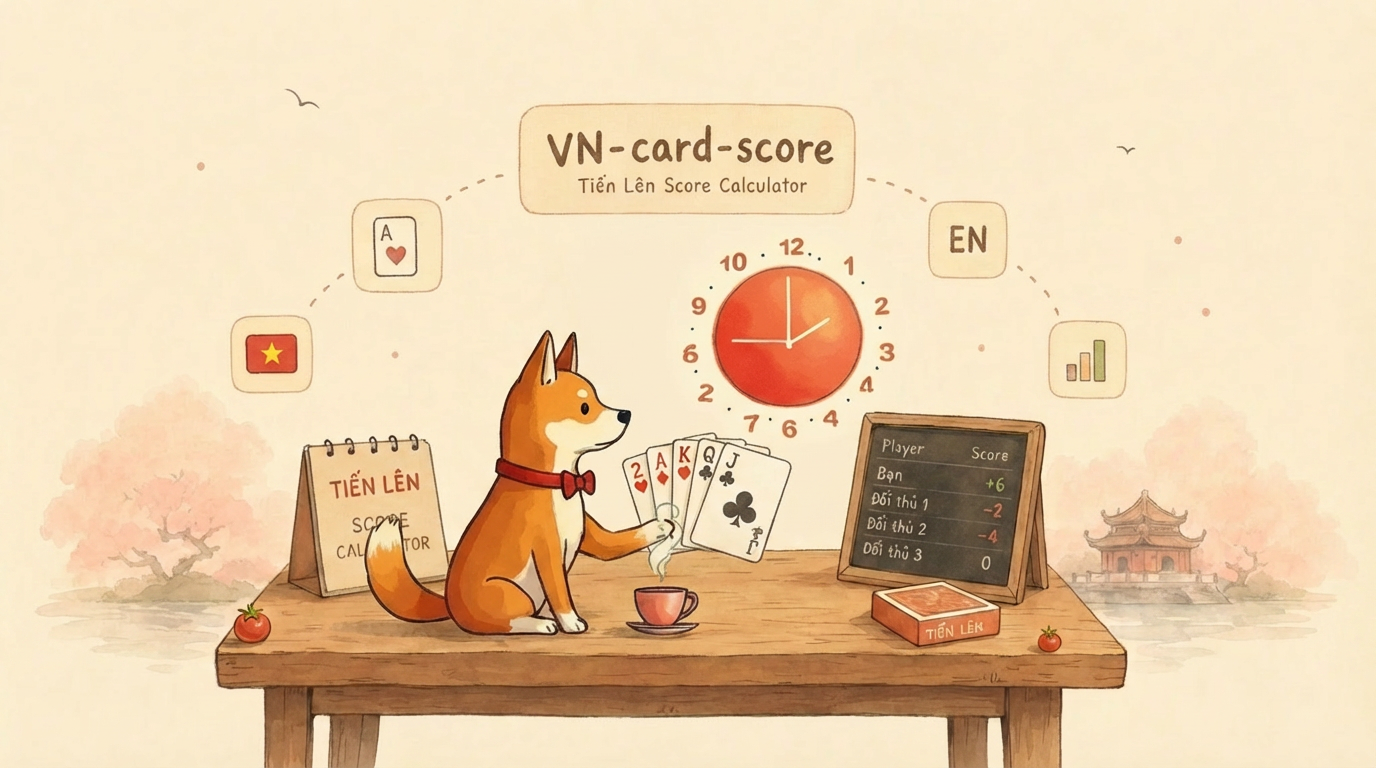
Vietnamese Card Board Scorer
A mobile-first score tracker for Vietnamese card games like Tiến Lên. Born on the first day of Tết, built to replace paper and pen.

Understanding MachO Binary Format
High level architecture of a Mach-O binary. Learned through implementing application support parsing iOS binary.